Troubleshooting Time Doctor Integration Problems
Troubleshooting Time Doctor Integration Problems
If you are experiencing sync issues with your integration (if your tasks are not visible in the desktop application) and there is an error in the sync status, please try to disable the integration from your Integrations page.
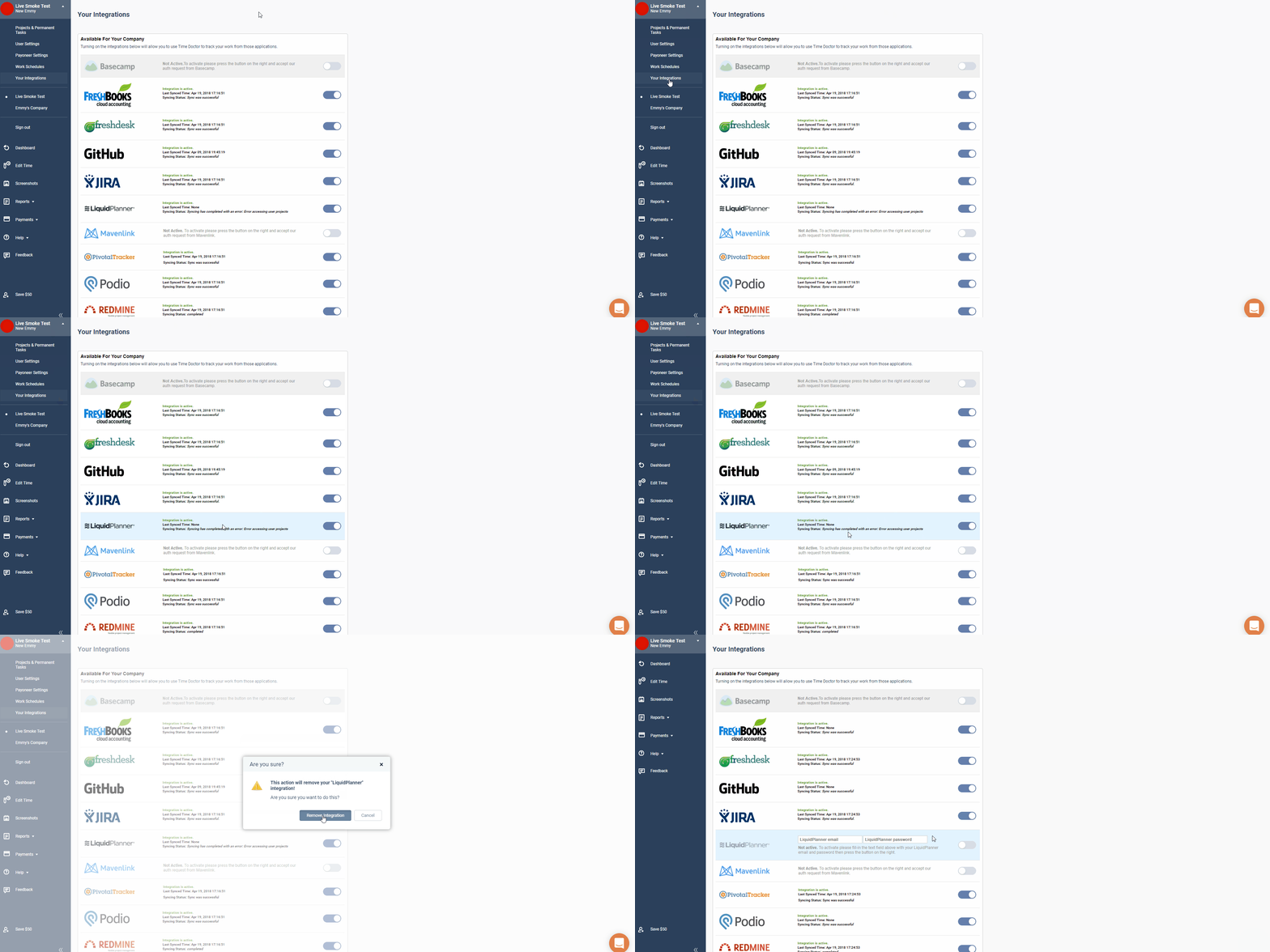
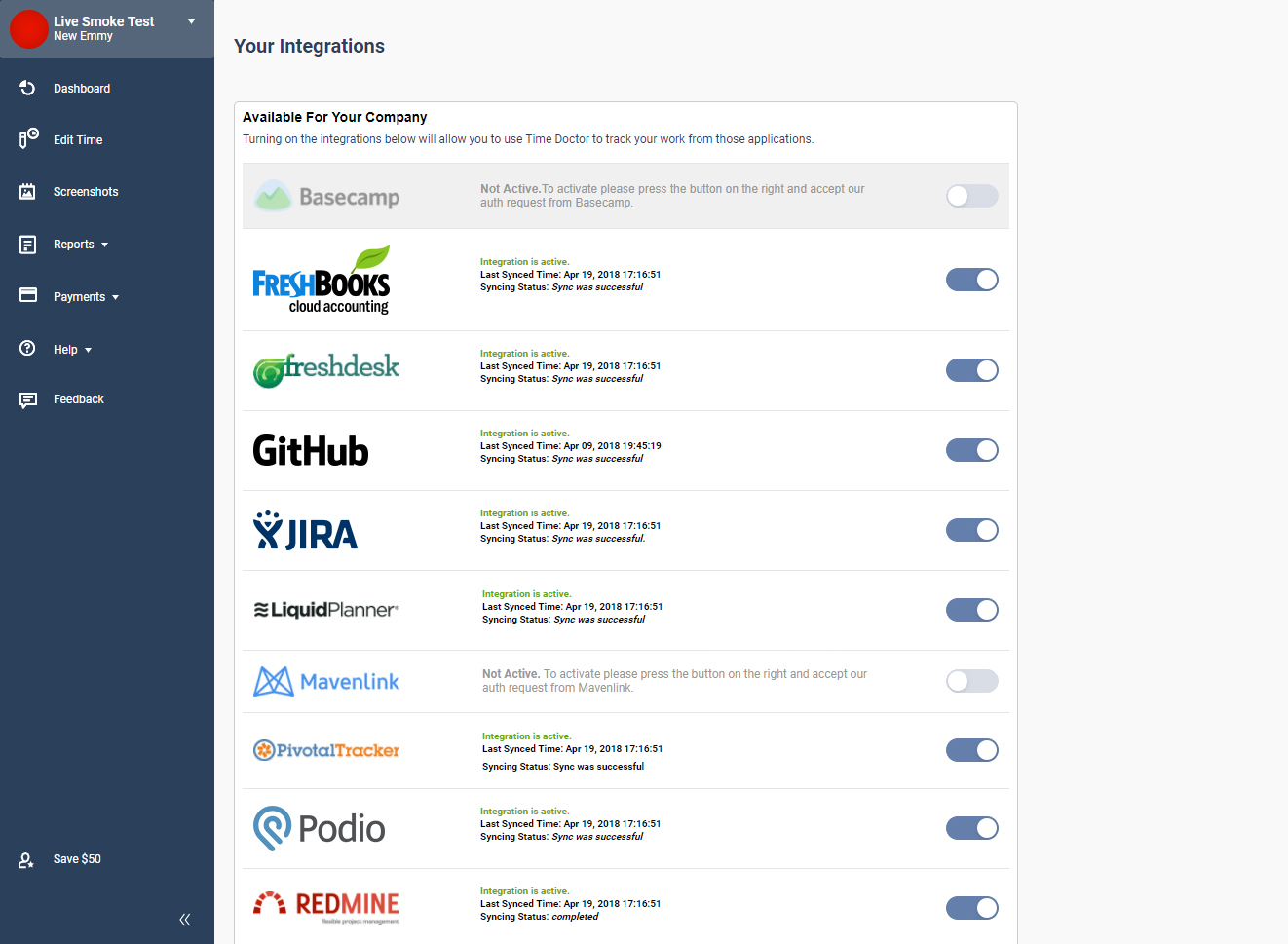
Then, re-enter your integration login details and re-enable the integration. The error message should disappear.
Related Articles
Problems with Recorded Time
Problems with Recorded Time Modified on: Sep 6 If you notice some discrepancies between the hours you have tracked and the hours recorded on the Time Doctor website, some additional information will be needed to narrow down the possible cause. ...Time Doctor Issues
Here are some basic trouble shooting steps for TD general issues. (The steps mentioned below are assumed to fix all known issues for TD) - Restart your TD client. Before a new integration will even appear on the desktop client, you may need to ...Integrate Zoho with Time Doctor
Note: Please note the integration currently works with Zoho Projects only. You Zoho account needs to have a Projects module for you to use the integration. Follow these simple steps to integrate Time Doctor with your Zoho account. Time Doctor users ...Using Avast Antivirus with Time Doctor
This tutorial applies to Avast Free Antivirus 7. If you are running Avast Internet Security, you might receive a popup message from Avast that might prevent Time Doctor from running. The following will show you how to exclude Time Doctor from Avast's ...Finding Time Doctor Local Cache Files in Windows and Exporting / Deleting App Local Data
NOTE: You must completely exit the Time Doctor application before deleting the cache. Open My Computer and navigate to the path below: For Windows Vista, Windows 7, Windows 8/8.1, and Windows 10: C:\Users\*YourUsername*\AppData\Roaming\Time Doctor ...